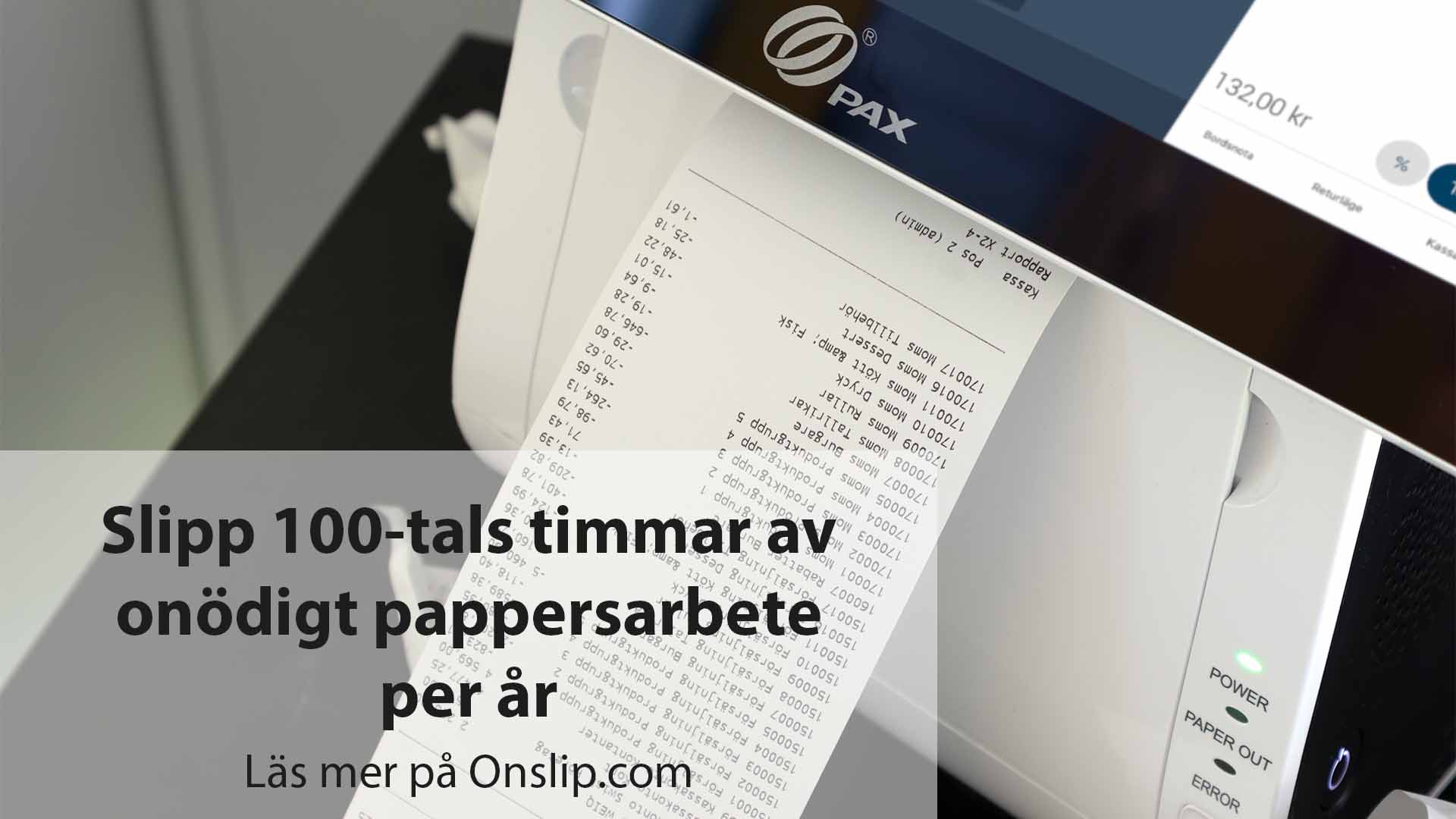
Have you ever wondered what the difference is between an X-report and a Z-report? They show similar information, but perform completely different functions - especially when it comes to accounting.
X-report - a current report
An X-report shows the current sales at the checkout without ending the day. It is ideal if you want to check sales during the day, for example in the middle of a shift.
Field of application: Overview during ongoing sales.
Can be used for accounting purposes: No
Does not affect cash totals or end the day.
How to print an X-report:
Press the menu button (three lines in the top left corner) in the cash register.
Select X report.
The report is printed immediately.
Z-report - daily closing and accounting documents
A Z-report is an official end-of-day report. It closes the sales day, resets the cash register sales counter and generates an accounting document.
Field of application: End of day, accounting, journal.
Can be used as an accounting record: Yes
Closes the sales day and resets the counters.
How to do a day-end closing with Z-report:
Press the menu button (three lines in the top left corner) in the cash register.
Select Z-report.
Press OK. The report is printed.
-
Choose whether to continue the sale or log out for the day.
Would you like to watch a video from our Onslip Academy on how to generate an X or Z report? Clicka here
Tip. Use automatic end of day reports
Did you know that your Onslip-cash register can do Z-reports automatically? If you set up a schedule, the cash register will do the end-of-day for you at a chosen time - smooth and secure!
Watch our video on how to enable automatic daily closings here.
Link to accounting software
Have you connected your Onslip cash register to an accounting program such as Fortnox, Spiris or Bjorn Lunden? Then the Z-report can be sent directly to the accounting when you do the daily closing. Fast, digital and without manual export!